Prepackaged.ai
Bring your ideas to life with AI design
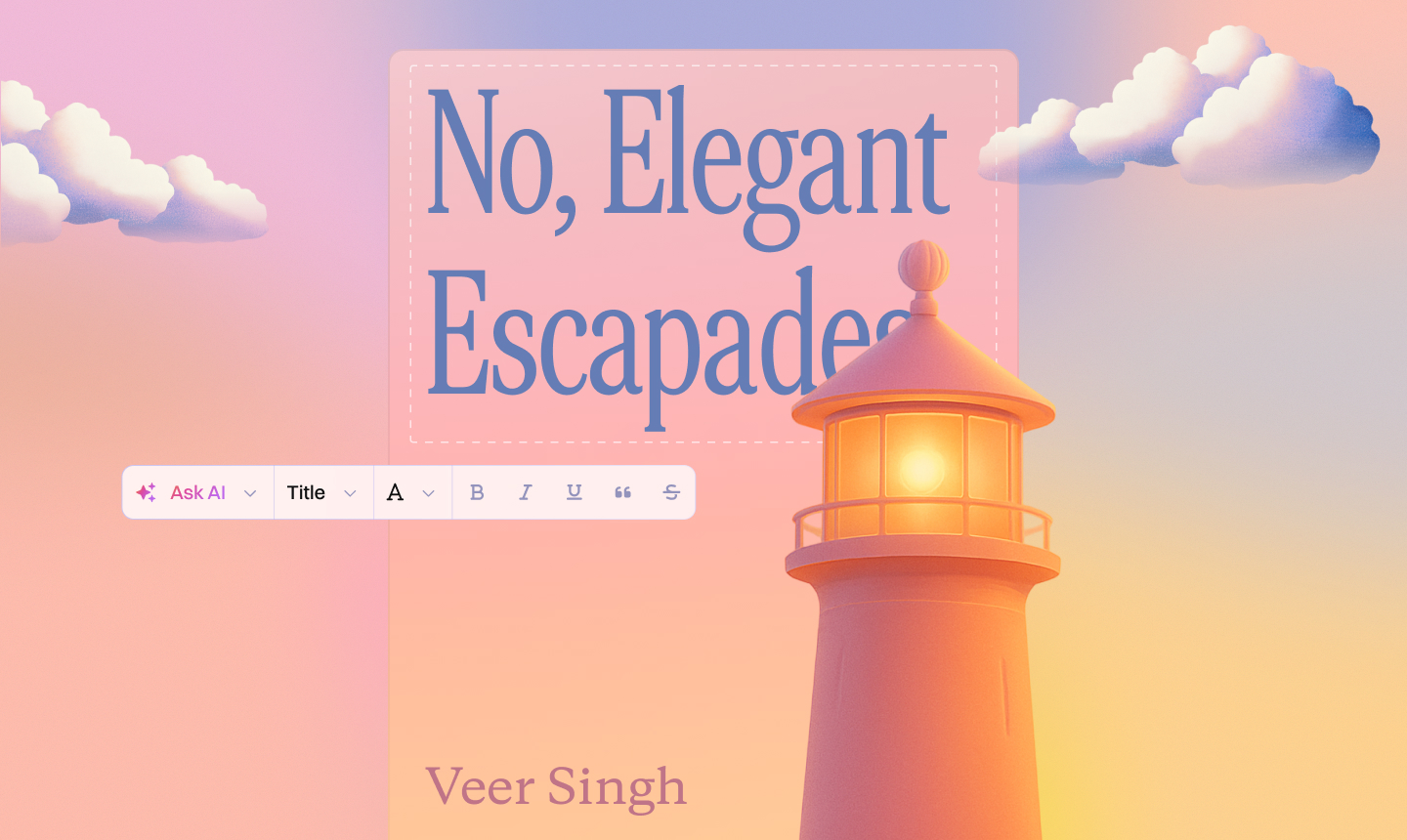
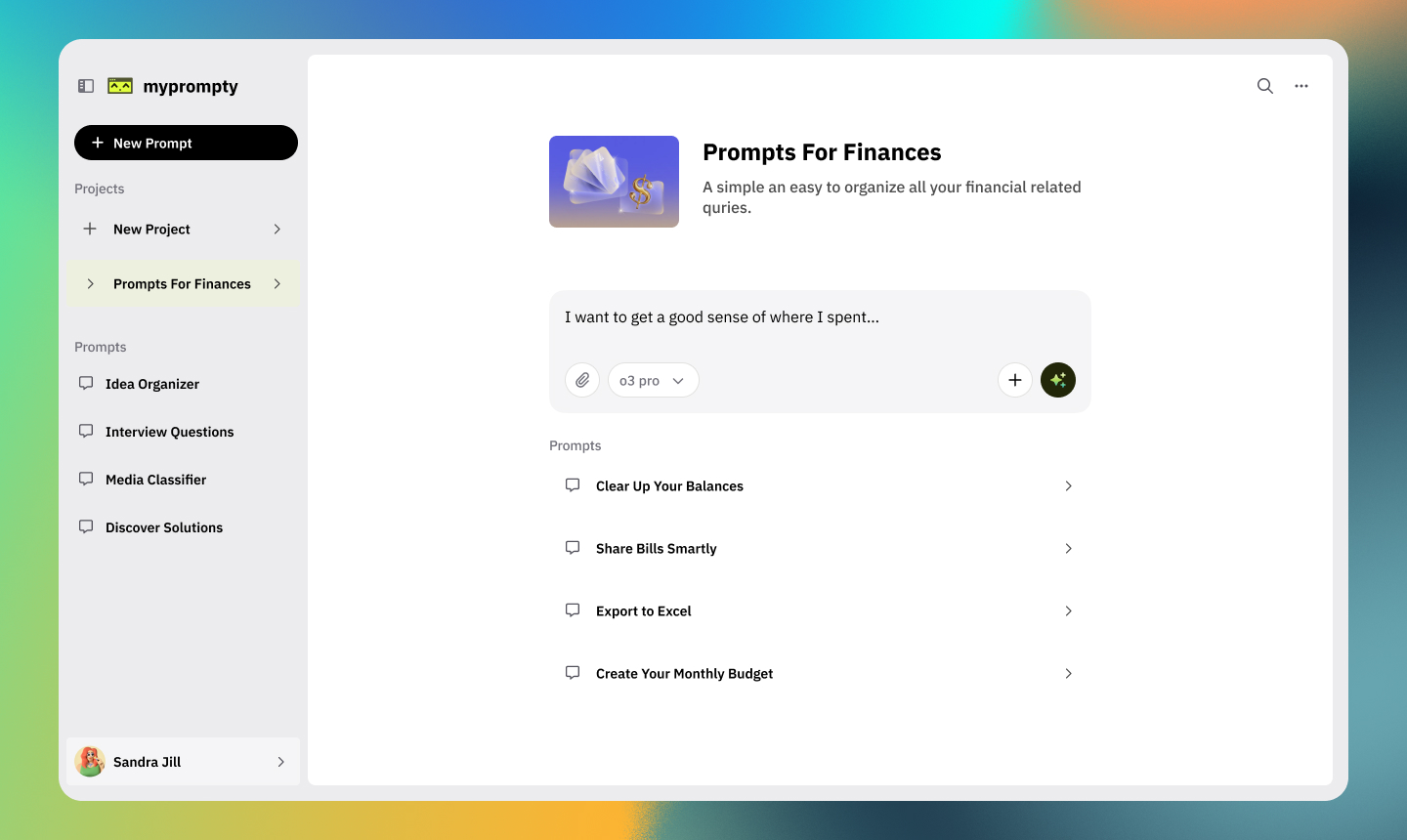
AI model outputs unified under one coherent design language.
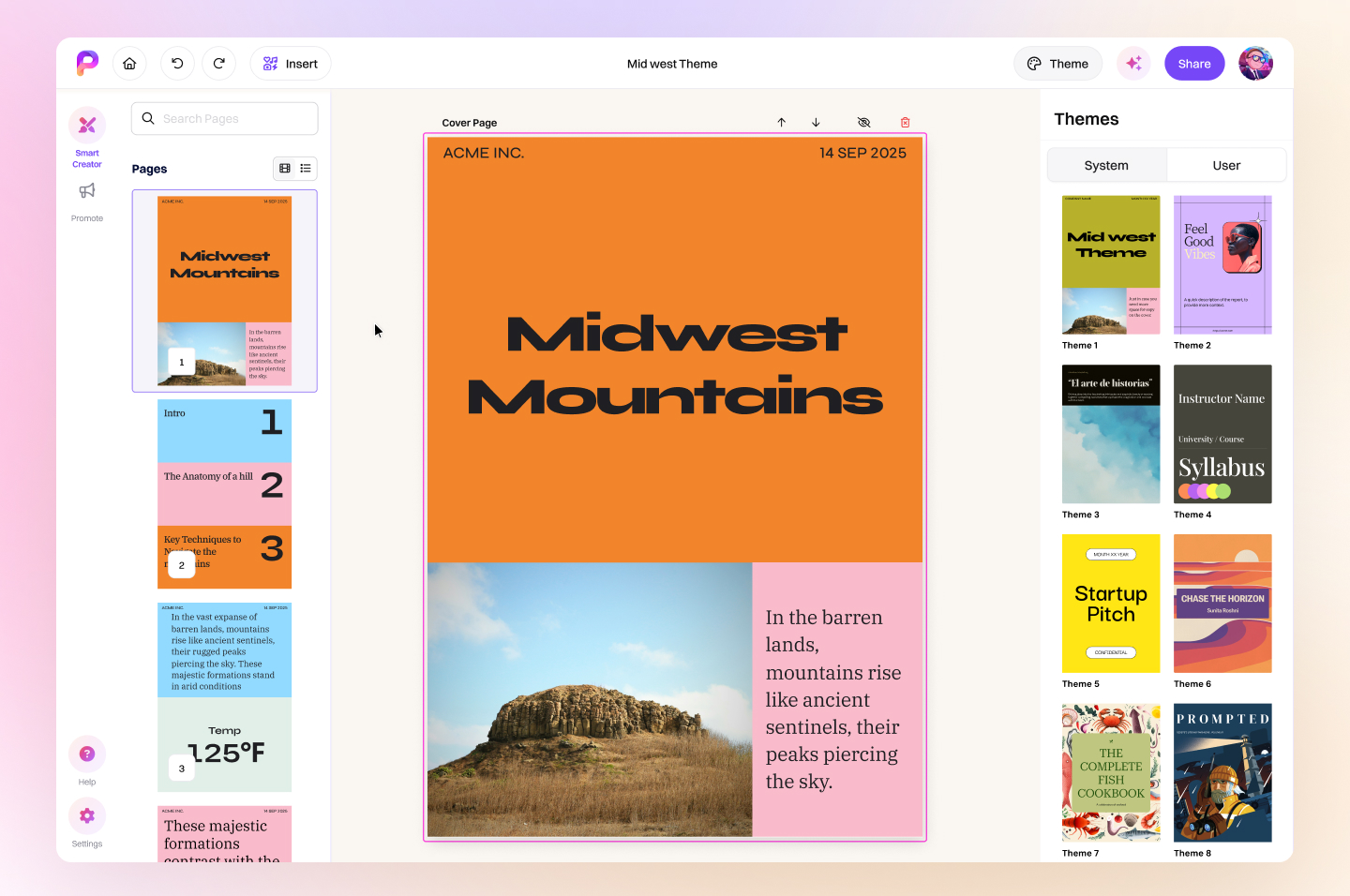
Professional themes — all designed to maintain brand consistency.
The blank page is not a creativity problem — it's a starting-point problem. prepackaged.ai was designed to eliminate the starting point entirely: user inputs an idea, AI produces a polished, on-brand design asset ready to share.
Design work covered the full creation experience — from the input flow that translates rough ideas into structured creative briefs, to the 100+ theme system built for brand consistency across AI-generated outputs, to the export UX that makes sharing a one-tap action across formats. On the engineering side, the full-stack platform was architected to integrate 20+ AI models behind that single coherent design language, with a brand-consistency layer enforced in code, not just in the design files.
Professional design tools have a fundamental barrier: they require design skills to use. Canva lowered the floor. AI raised the ceiling. prepackaged.ai was designed to make the entire process — from brief to finished asset — accessible to someone who has never used a design tool.
The UX challenge wasn't capability. The AI was capable. The challenge was trust: would a non-designer trust an AI-generated output enough to share it with their audience? The entire design system was built around demonstrating quality before commitment.
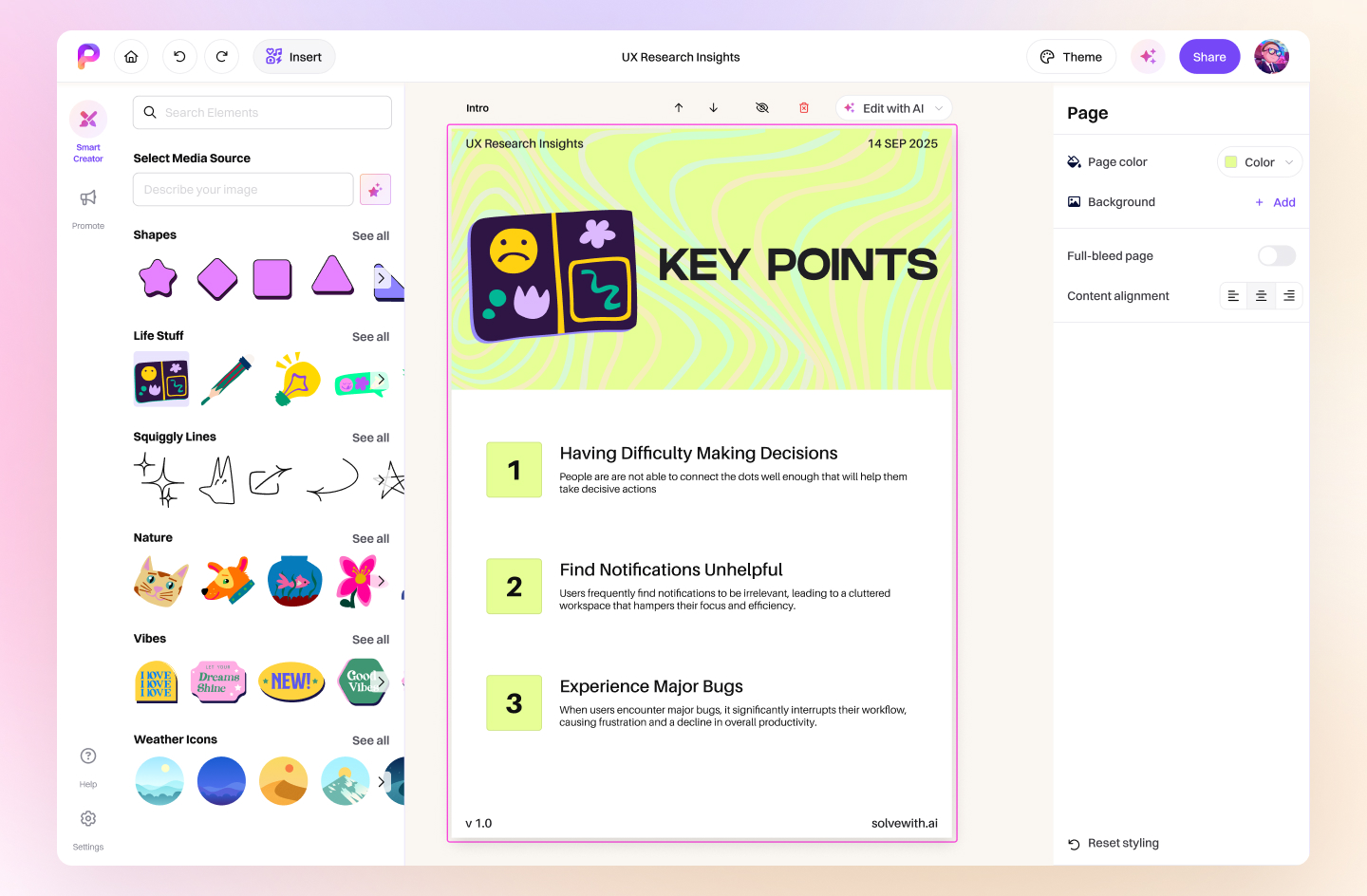
From presentation to social post to website — one idea, every format.
The Blank-Page Elimination Flow
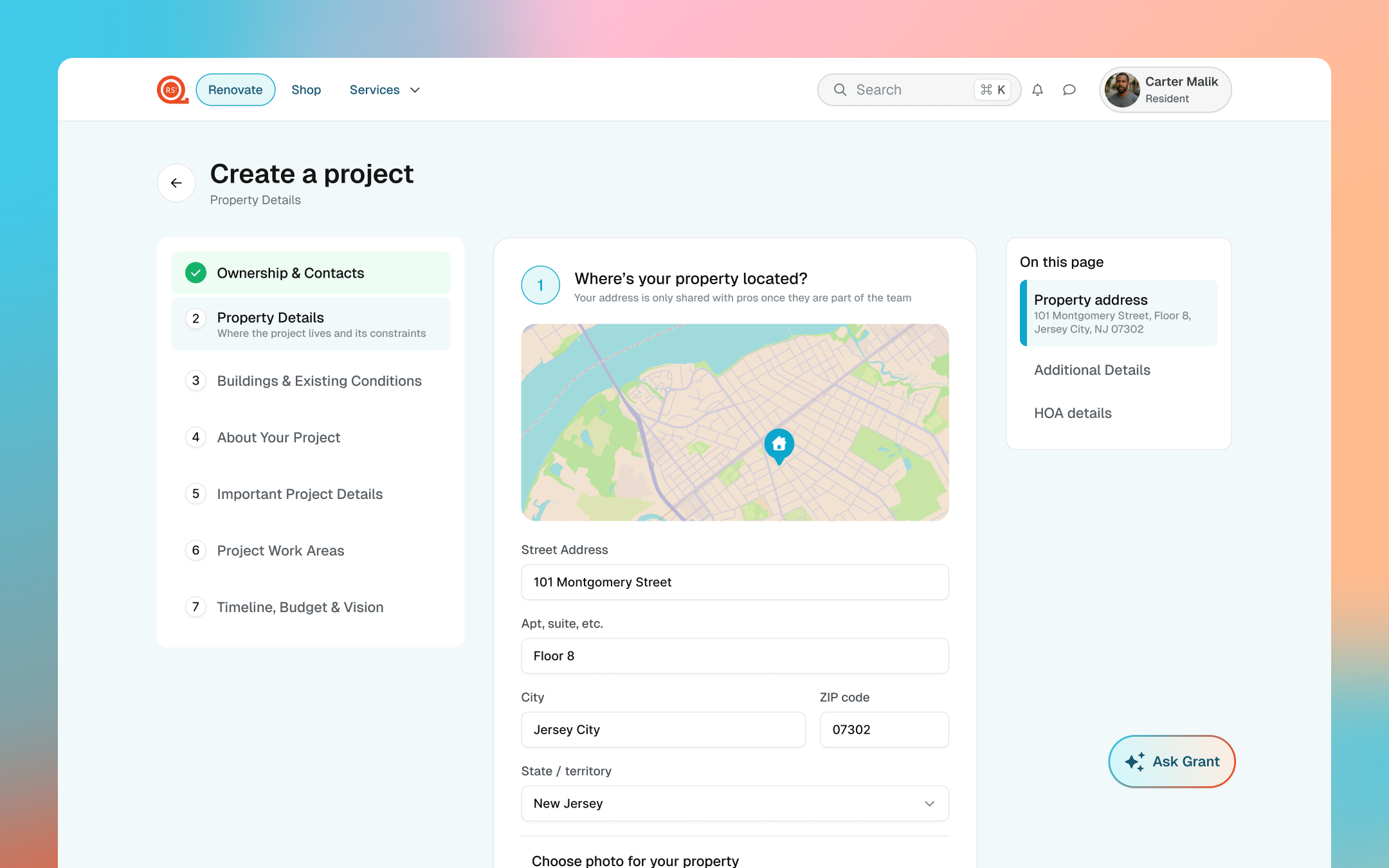
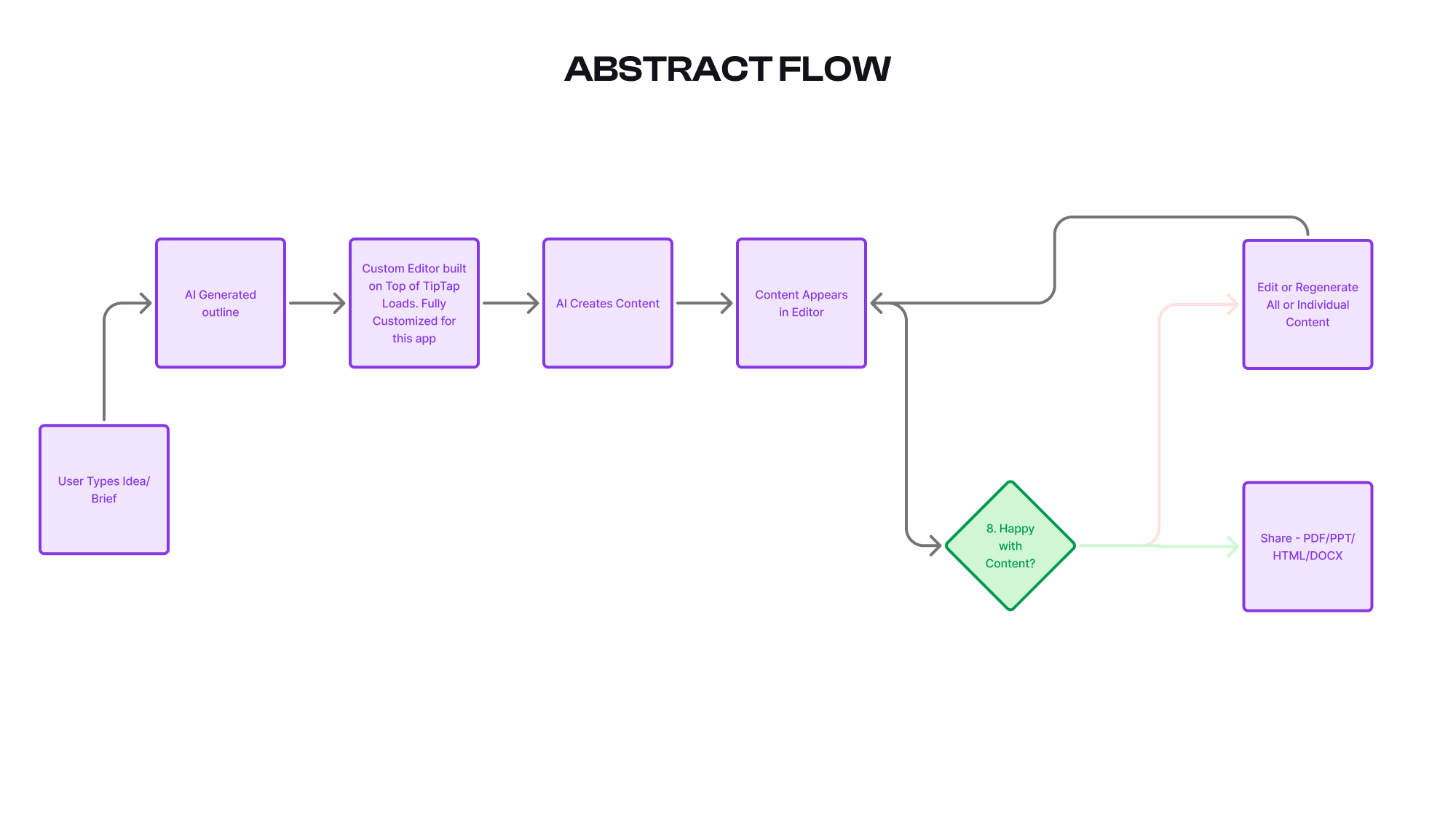
The creation flow starts with the lowest-friction possible input: "What do you want to make?" From there, the UI progressively structures the user's thinking — surfacing format options, tone selectors, and brand inputs only when relevant. The flow is designed so a user who has never created content professionally can produce a shareable asset in under 90 seconds without feeling overwhelmed. The key insight: don't ask users to configure the AI. Ask them what success looks like.
Brand Consistency Across AI Outputs
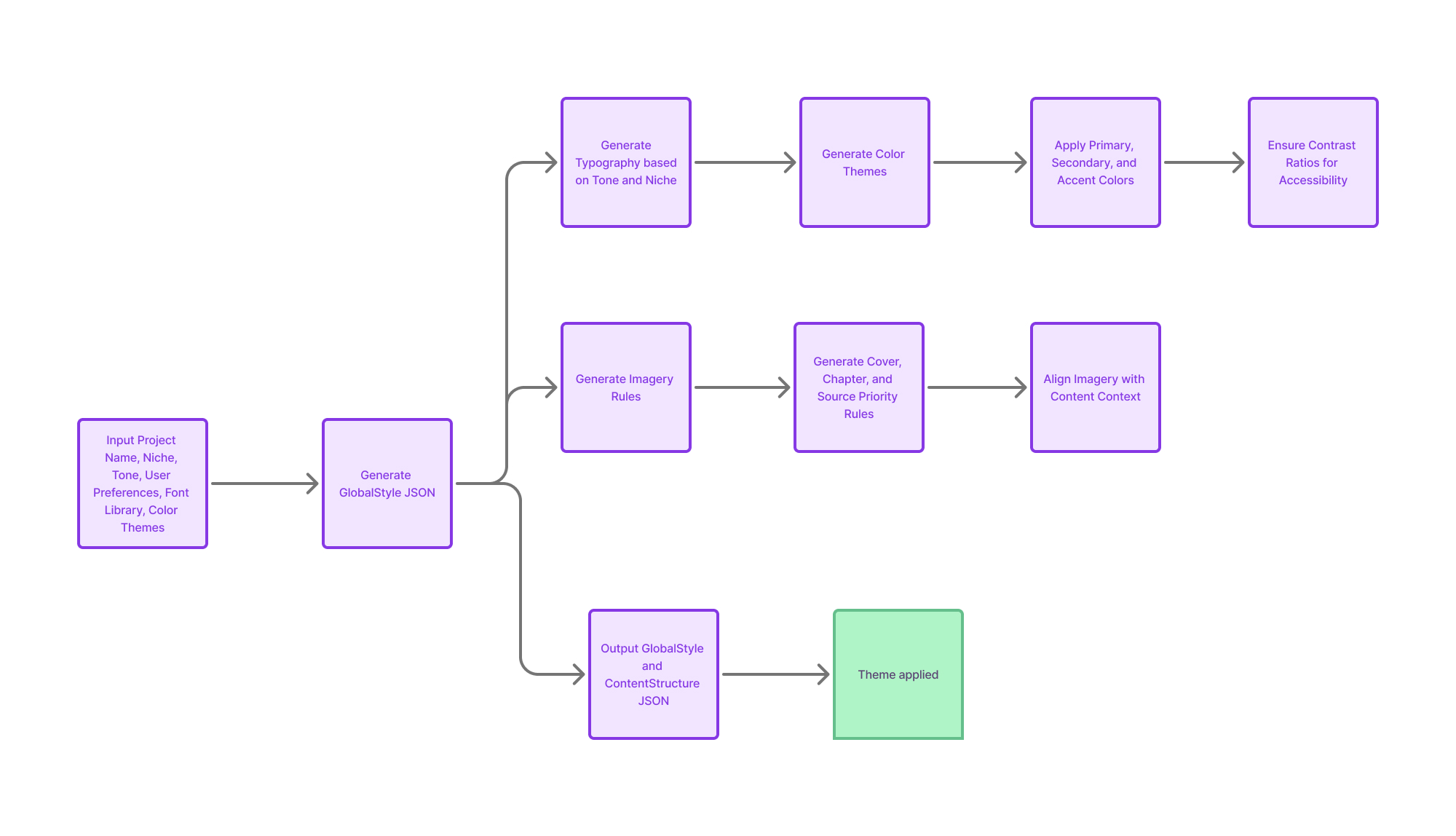
When 20+ AI models are generating design content, visual consistency isn't automatic — it's a design system and engineering problem. A constraint layer wraps every AI output in brand parameters: fixed typeface pairing, restricted colour palette, locked spacing ratios — enforced in the generation pipeline itself. This meant users could trust that every output looked like it came from the same brand, regardless of which model produced it.
Multi-Format Export and Share UX
The moment of truth in any content tool is sharing. The export UX is built around the user's distribution channel, not the file format — the primary CTA is "Share as [Instagram/Deck/Link]," not "Export as PNG." The platform supports PPT, PDF, PNG, and Google Slides export, plus direct publish-as-website or social post, with built-in engagement tracking so users can see how their content performs.
It was a real pleasure working with Herry! He brought great ideas to the table, communicated clearly, and was always a joy to collaborate with. I would definitely recommend Herry to anyone looking for a talented and thoughtful designer.
Ashlea
Founder, prepackaged.ai
"The editor works like magic. Manu has really spent a lot of time perfecting the AI integration, and he is very hardworking and committed. His technical vision transformed our concept into a reality that exceeded expectations, creating a tool that truly understands design intent while maintaining brand consistency."
Ashlea
Founder, prepackaged.ai